Posted on 21-08-2026
I replaced my Raspberry Pi 5 homeserver
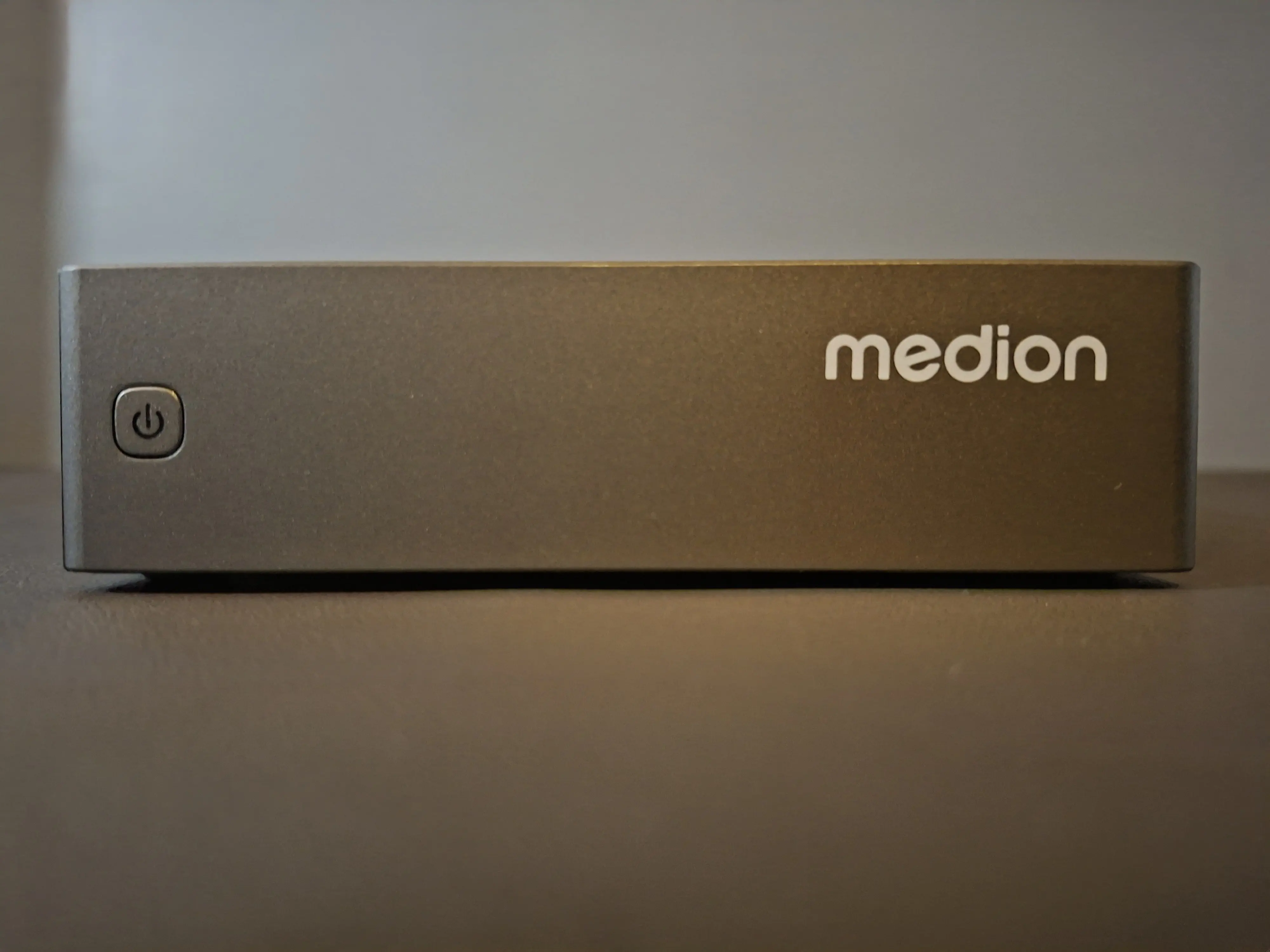
Well welcome to my blog again. Today I want to talk about my new homeserver. I had several before but I came across a nice barebones that I've looked at before and it got me thinking again. I was happy with my Raspberry Pi 5. But I also was a little bit worried about it. In December of 2024 I got my first Raspberry Pi 5, it was the 8GB model. This seemed to be a nice thing until in January 2026 the Pi itself just randomly died. Even though out of warranty I got a replacement one and so I had a homeserver running again fairly quickly. But when I saw the Medion MD35340, I was reminded about the first Pi 5 I had that died on me, and this one did not. At least not yet. So I decided that I would sell my Raspberry Pi 5 for a reasonable price and buy the Medion mostly with that money. I sold the Pi 5 for €125, which seemed fine to me as I am not good at making deals and I sold it same day as I listed it. The Medion cost me €139, meaning I kind of only paid €14 for it? But what did I do with it and was it really a good idea to buy this as a replacement to my Pi 5 as a homeserver? Let's talk about it!
The specs
The Medion MD35340 is from the S06e line of Mini PC barebones. The one I have features an Intel N100 CPU with integrated Intel UHD Graphics. This is great for video transcoding if you need that as Intel QuickSync works really well on these modern CPUs. As this is a barebones I had to bring my own memory and SSD which was a reason why I bought this system. After having worked on several computers I pulled an 8GB stick of SO-DIMM DDR4 3200MHz from a laptop that is partially defective and several SSDs. I used a 256GB NVMe that I, if I remember correctly, pulled from an HP EliteDesk. At 99% health this SSD seemed like a viable option to me. The memory was the only SO-DIMM DDR4 I had on hand as the only other memory I have is either Desktop DDR4 or SO-DIMM DDR3(L). Installing the memory was pretty easy as I only had to pry off the bottom rubber feet and take out four screws. The SSD could be installed with a screw that was installed in the system already and the memory of course slotted in easily. One advantage is the Wi-Fi card in here. The Wi-Fi is soldered and just an AX101 card, but it is always nice to have a backup internet connection as I have an Ethernet cable that is not really in the best condition.
Design and Ports
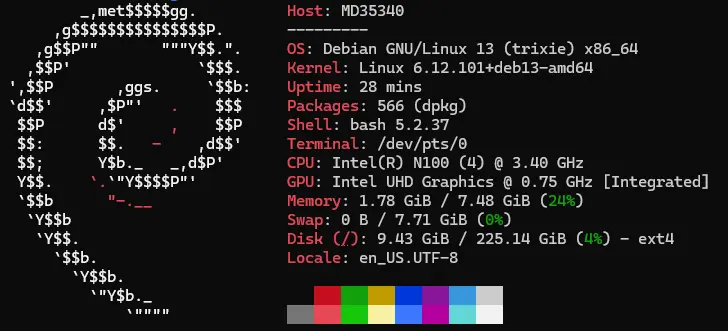
On the design of this Medion I can be short. It is made out of I believe plastic and metal, is fairly lightweight and looks clean as it's just a flat grey-colored small box, sized 13 × 13 × 3.5 cm (LxWxH). It of course is not as small as a Pi 5 but you still can practically put it anywhere you want. On the website I bought the system from the USB ports shown were of faster speeds than the ports that are really on this PC. Nonetheless the port selection is still decent enough. The port selection is fairly decent as there is a combo audio jack, two USB-A 3.2 Gen 1 ports, two USB 2.0 ports, an RJ45 Gigabit Ethernet jack, USB-C 3.1 Gen 2 and USB-C for power, which seems to be PD, but I could not test that as I do not have the right hardware to do so.
My software of choice
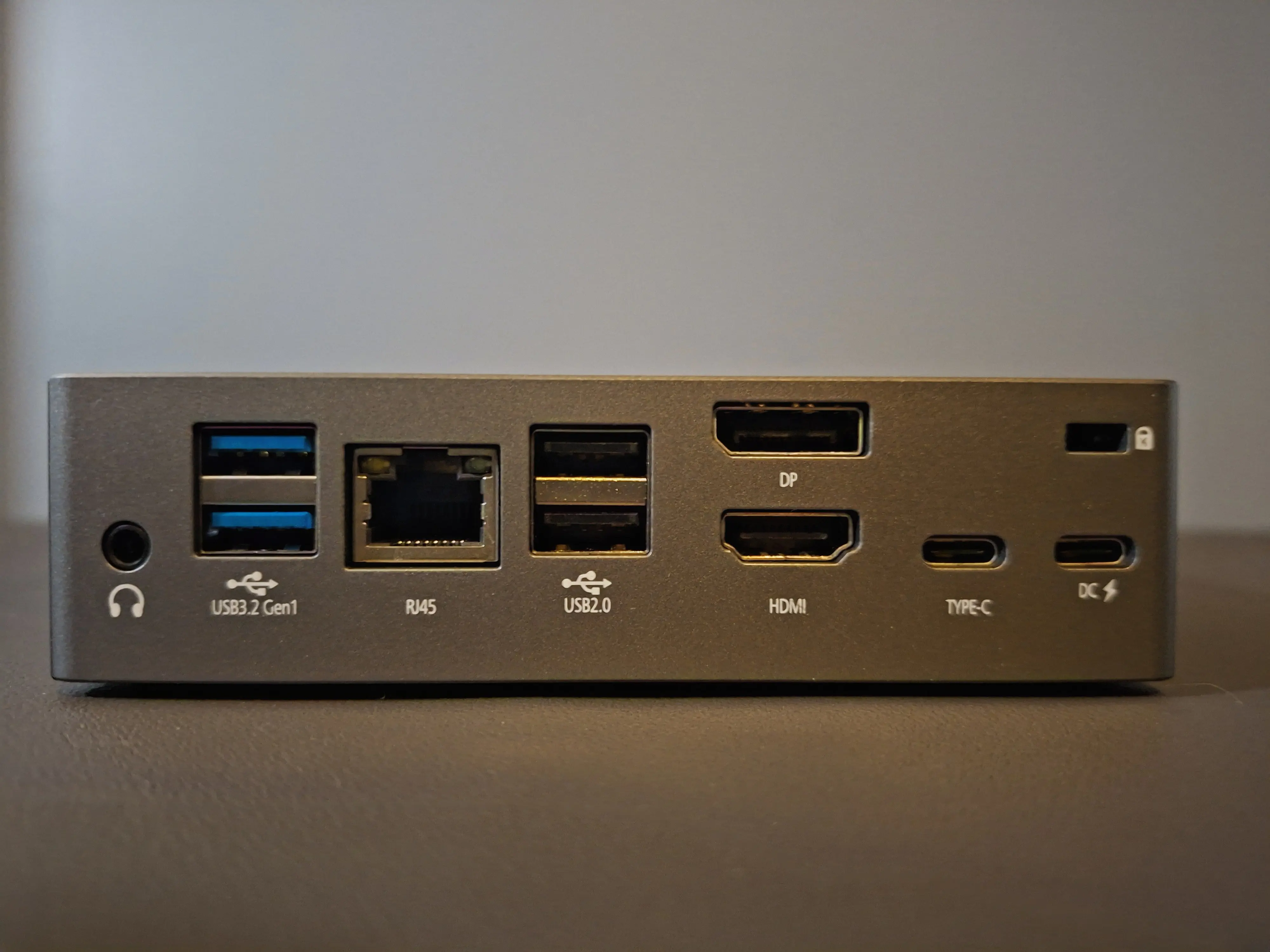
As this is a barebones of course there is no Operating System (OS). This meant I had to decide by myself if I wanted to use Windows or Linux. For me this was a quick decision as I prefer all my devices that run as a server on Debian. Not only is Debian a great, well-supported base for an OS, it also comes with pretty much only essential packages. I have a thinclient running Debian, mostly as a DNS adblocker and it only has 3 of the 8GB of storage used. Of course the Intel N100 is not that limited of a CPU and neither are the 256GB SSD or 8GB of RAM. But still I like it to not have much junk pre-installed. After Debian was installed and the IP address I wanted was reserved for the Medion I installed Docker. I quickly installed all containers I ran before. I was able to copy nearly all configs that I had from the containers on my Raspberry Pi, but sadly the most important one, Home Assistant, did not work. Probably due to the difference in CPU architectures or app versions. Though I am not sure that that is really why.
Everything is installed, but what now?
Of course, having everything set up is nice but as the mini is in my bedroom I do not want to be kept awake by the fan of it. And I definitely was not. The fan is really quiet as long as the Medion is idle. When there is a higher load it gets loud, but the CPU does not go over 75 degrees Celsius. This seems to be pretty good, though I did expect the fan to not be as loud as it gets under load. Though having the N100 run at 100% continuously might not be too representative of normal use where it does not get as loud. The power usage is quite low as expected. With all containers it stays between 9 and 12 Watts. Compared to the 6 Watts from the Pi 5 this is somewhat higher but it's better than being worried about my main home server dying on me. I tested the system briefly in Windows and that seemed to run smoothly when performing simple tasks like web browsing and watching videos. Even though the Intel N100 is a modern CPU I was positively surprised as there are only 4 E-cores and not P-cores.
Performance
Even though I have not thoroughly tested the Mini PC its performance I took a quick look at how it's like doing some office work on it. Working in Word and Excel works perfectly fine. Watching videos is a breeze. To put in perspective I have used an Intel Core i5 7500 which benchmarks faster, but struggles with watching videos, while the N100 does not even have a little trouble. This shows how good Intel's Quick Sync technology is. Why this could be important is if you host a media server or use this as a multimedia box. In that case you would need good transcoding if you go further than 1080p h.264 videos. The only benchmarking software I've used was Geekbench 7 as Geekbench 6 has been discontinued. On Geekbench 7 the N100 scores 753 single core and 1553 multi core. This might seem bad but it is fine in my opinion as in real world usage it's perfectly smooth using it for basic computing tasks.
Conclusion
Well, was it worth replacing my Raspberry Pi 5 with this Medion Mini PC? I think it was. I have some comfort because I do not think this Mini PC would randomly die on me, and otherwise I still have 2 years of warranty. There is one downside, being that there is no MicroSD or SD card slot. One thing that I like about Raspberry Pi devices is the ease of switching OS by just swapping Micro SD cards. Though this should not be too big of an issue for me anymore as I can do my remote gaming on my tablet. What makes that I do not need to connect anything to the living room TV anymore. The Intel N100 is powerful enough and allows for pretty much any video to be transcoded nicely. The fact that the Medion is inaudible when on idle and the whole system does not use much power is nice, because that means I can safely connect it to a power extension cord. The Wi-Fi even allows to run the Mini anywhere without it getting offline, which is a nice addition to me. All in all, this is a nice and fairly inexpensive option if you want a small homeserver or just something for basic desktop usage as long as you have the needed memory and storage already lying around. As buying memory and storage would cost you about €100 new at the least. Let's just say that this Mini barebones PC is a good option if you need a small and maybe efficient computer for not too heavy tasks. But I think I did enough yapping for now, so I hope to catch you later in my next post.
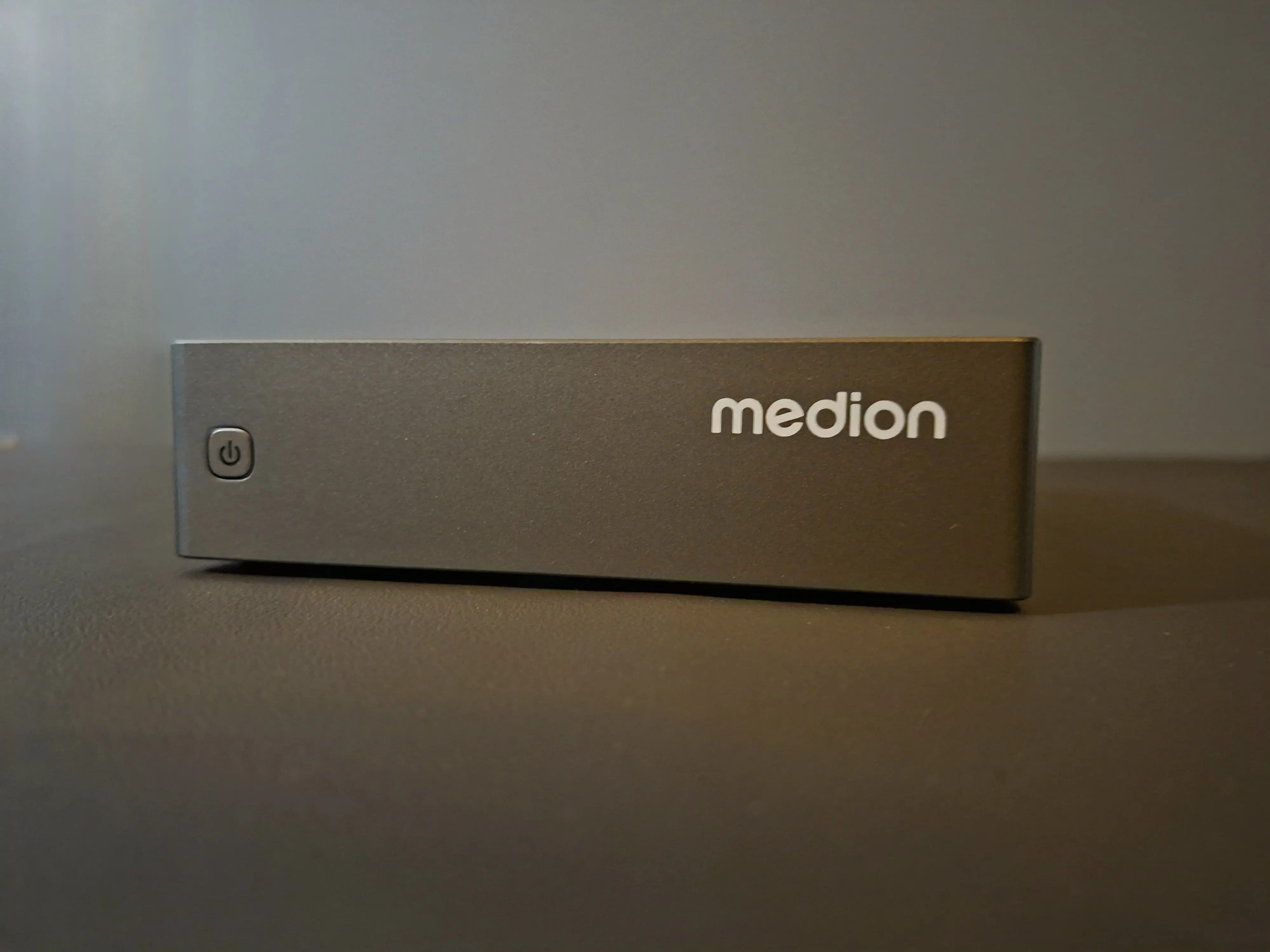
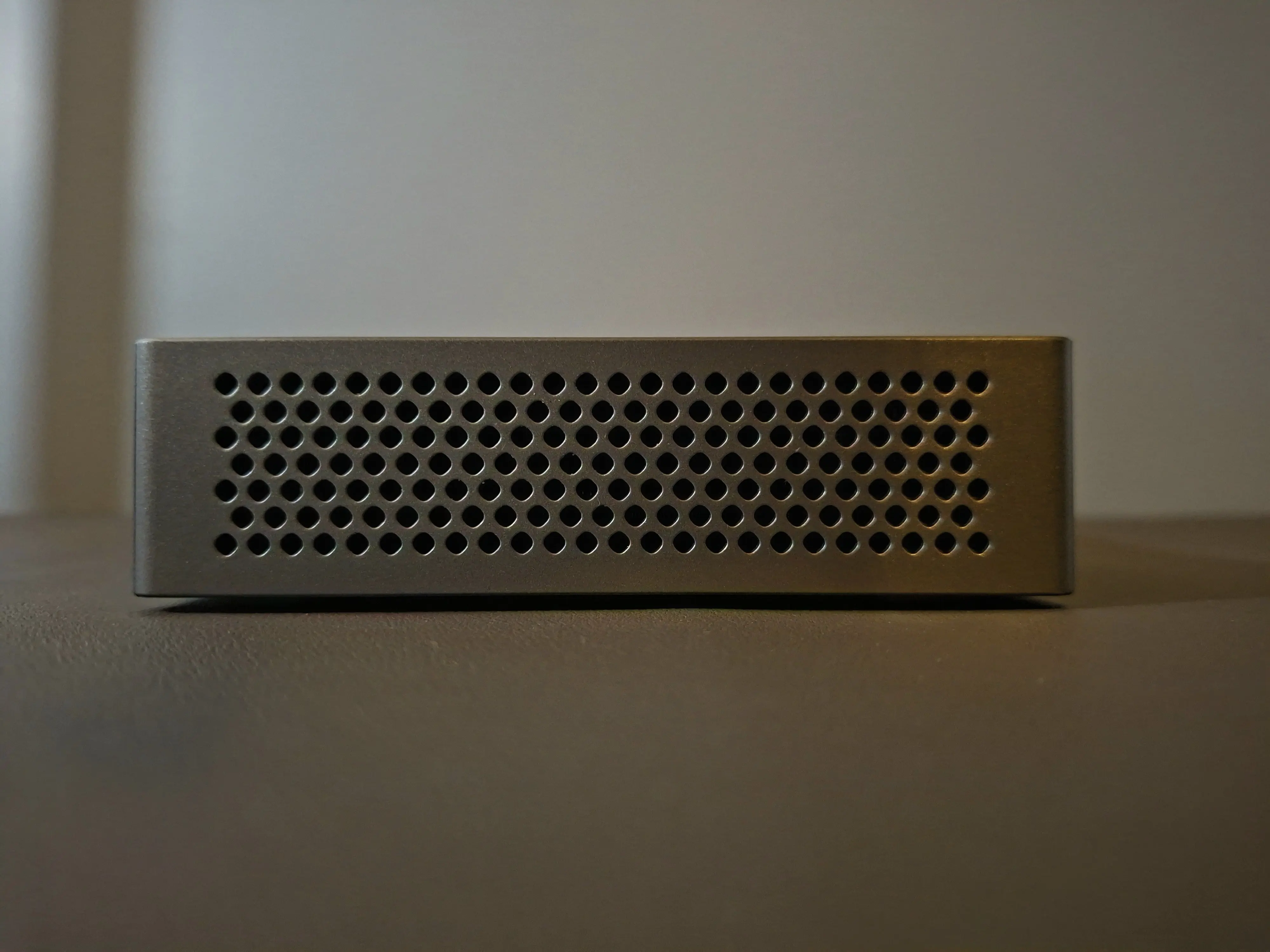
The left and right sides of the Mini PC are just air vents and look like this